 Petty Cash Manager
Free petty cash template with VAT split
A ready-to-use petty cash log for Excel and Google Sheets. Enter each receipt and the template keeps the running balance, splits out VAT or GST, totals spending by category and tells you how much to top up.
Free. No sign-up, no email needed. Works in Excel, Google Sheets and LibreOffice. النسخة العربية
Four sheets, all the formulas done
Settings
Company, custodian, currency, opening float, tax name and rate, and your own expense categories.
Petty cash log
Date, reference, description, category, payee, cash in, cash out, net, tax and running balance. Category and Y/N drop-downs.
Automatic tax split
Mark a receipt as tax-inclusive and the net and VAT/GST amounts are calculated at your rate.
Category summary
Receipts, totals, net and tax per category. Ready for your expense report or tax return.
Reconciliation
Opening float + top-ups − spending = expected cash. Shows the exact top-up to restore the float.
Low cash warning
Set a minimum balance and the log flags when the custodian needs a top-up.
Set up in two minutes
Fill in Settings
Enter the opening float you gave the custodian, your currency and your tax rate.
Log each receipt
One row per receipt: amount, category and whether tax is included. Keep the paper receipt with its reference number.
Reconcile and top up
Count the cash, compare it with the Summary sheet, and top up the float by the amount shown.
Outgrown the spreadsheet?
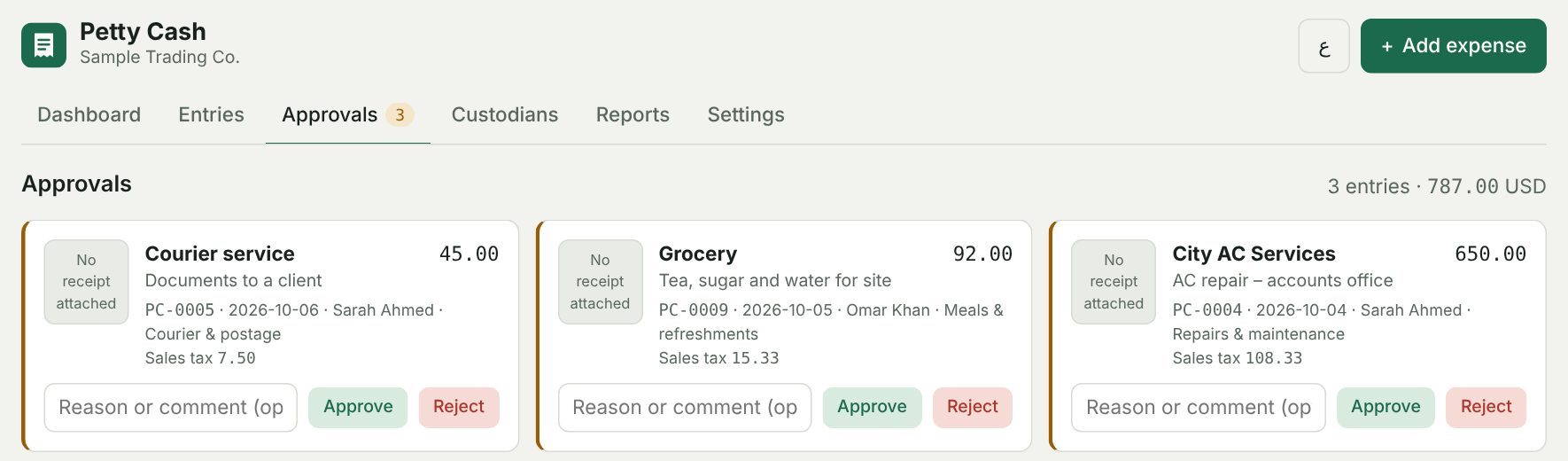
Petty Cash Manager adds receipt photos from the phone, approvals, several custodians, Arabic, and exports to Zoho Books, QuickBooks and Xero. 14 days free, no card needed.
Try Petty Cash Manager freePetty cash basics
What is a petty cash template?
A log where the person holding the cash records every small payment and top-up, so the running balance always matches the cash in the box.
How do I record VAT on petty cash receipts?
Enter the receipt total and mark whether it includes tax. The template splits it into net and tax using your rate, so input VAT can be claimed. Only claim tax on valid tax invoices, and check the rate matches your current local rate.
How do I reconcile petty cash?
Opening float plus top-ups minus cash spent should equal the cash on hand. The Summary sheet does the calculation and shows the top-up needed to bring the float back to its full amount (the imprest method).
Does it work in Google Sheets?
Yes. Upload the file to Google Drive and open it with Google Sheets. The formulas and drop-downs keep working.
Is it really free?
Yes. Download it and use it as much as you like. If you want photos, approvals and team access, try the app.